 Repimame
Turn a cooking video into a recipe you can cook from.
Share a link from TikTok, Instagram or YouTube. Repimame writes out the ingredients and the steps, so you can cook without pausing the video.
Download on theApp StoreCompletely free. No ads. iPhone and iPad.
Pick Up
- Plan by breakfast, lunch and dinner, and auto-fill an empty meal from recipes you saved.
- Mealime is shutting down on 21 October: how to keep your recipes
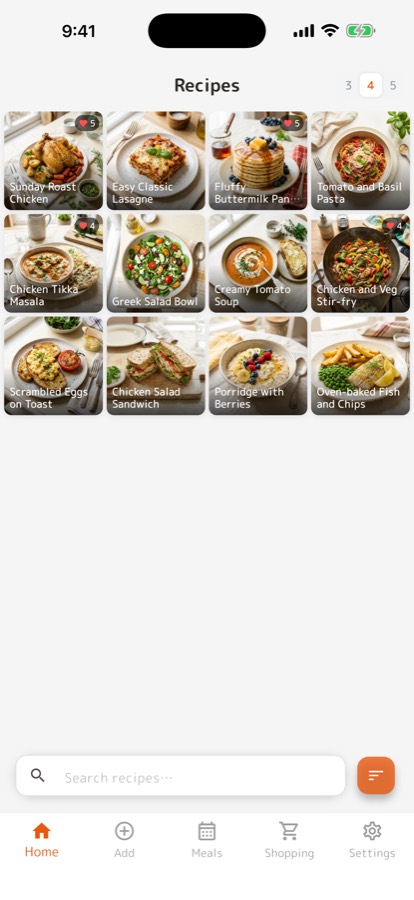
Every recipe you saved,
in one recipe book.
The pasta from TikTok, the curry from an Instagram Reel, the cake from a blog. When you finally want to cook one, you cannot remember where it was, and the video will not tell you how much flour.
Repimame turns each one into ingredients and steps you can read at the stove, and keeps them together. Amounts a caption never mentions stay blank, so you see the gap before you shop.
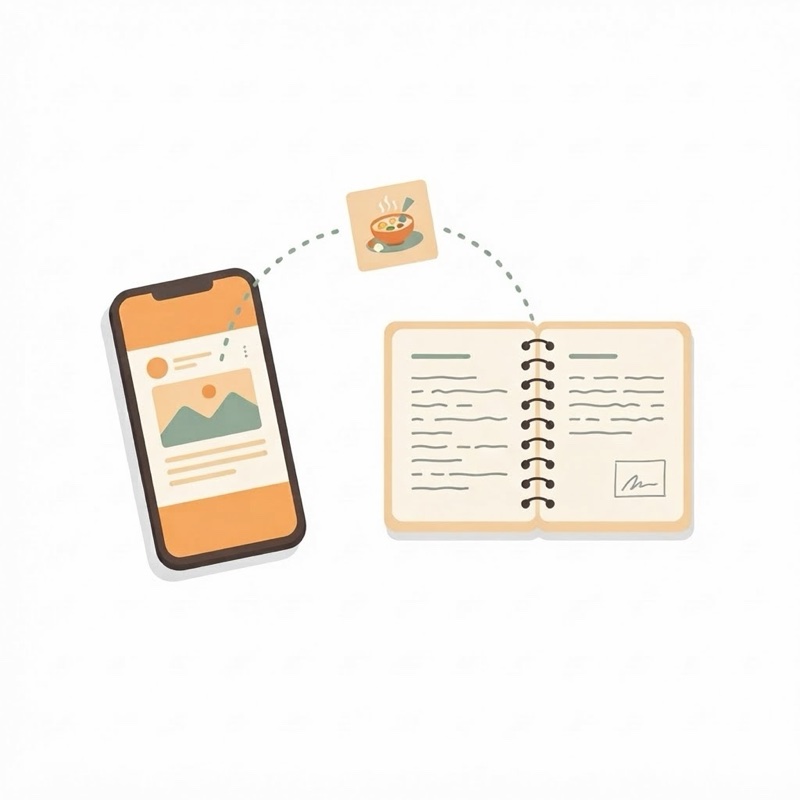
Share a link
From TikTok, Instagram, Threads, YouTube or a recipe website, tap Share and pick Repimame. The ingredients and steps arrive on their own.
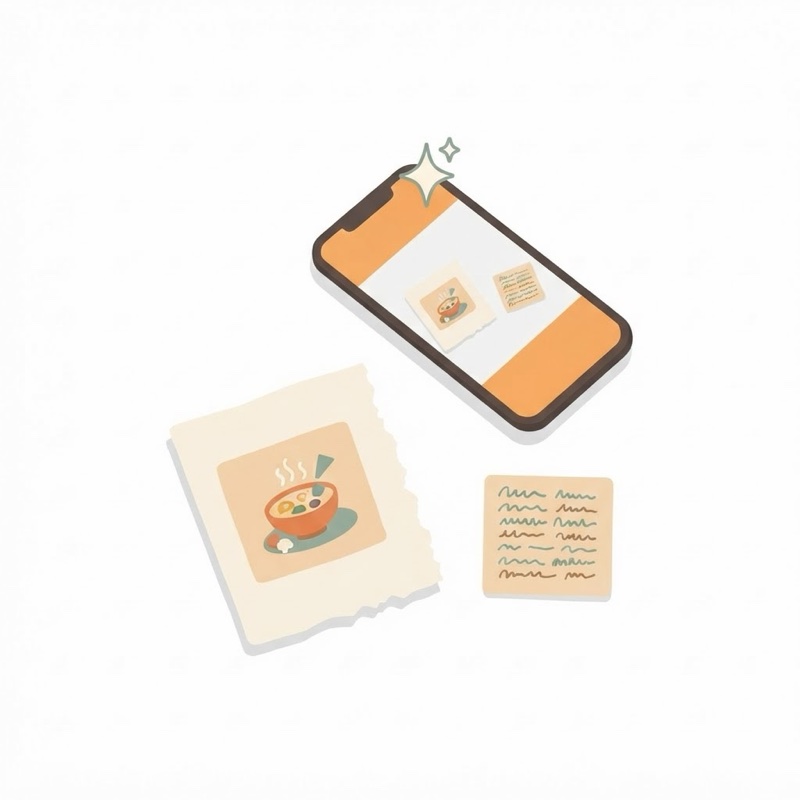
Take a photo
A cookbook page, a magazine clipping, a card in your grandmother's handwriting. Take a photo and it becomes text you can edit.
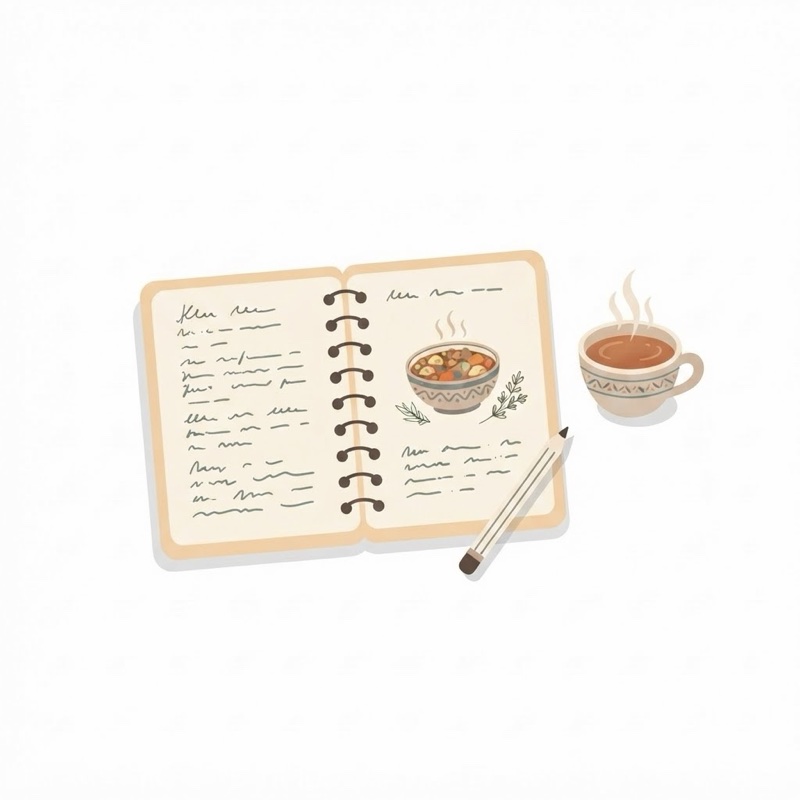
Write your own
Your family's version, in your own words. Amounts, steps and a photo, all editable.
Works with TikTok, Instagram, Threads, YouTube and most recipe websites
[ Point1. ]Stop remembering where you saw it
Wherever the recipe came from, it lands in the same place, as text you can read and search.
- The original post or page is always one tap away
- Edit any ingredient or step
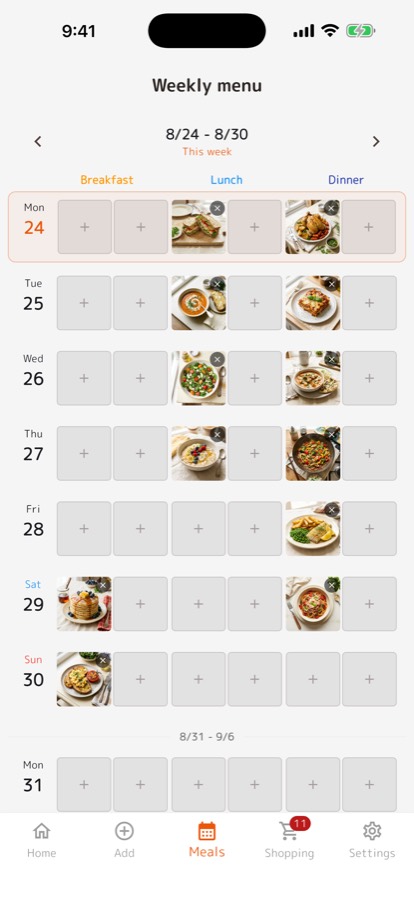
[ Point2. ]Decide the week ahead
Drop recipes onto days, by breakfast, lunch and dinner. Auto-fill picks for empty meals, only ever from recipes you saved.
- Show only the meals you plan
- Drag a dish to another day
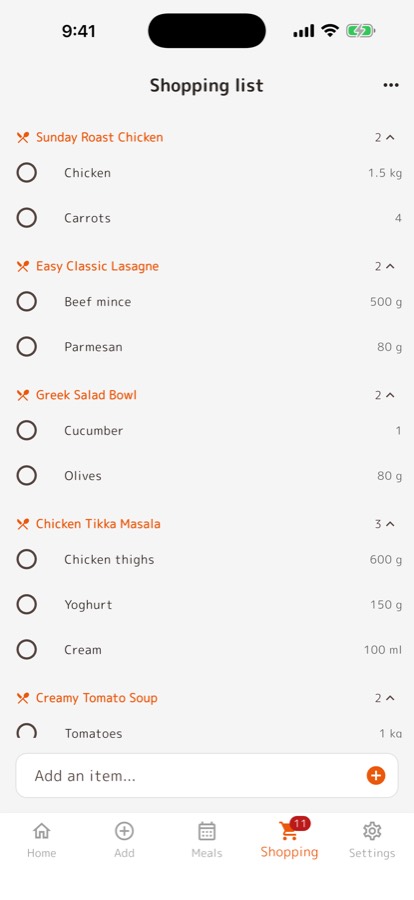
[ Point3. ]One tap to the shopping list
Send a recipe's ingredients to the list with one tap. In the shop, check things off as you go.
- Grouped by recipe, so you know what each item is for
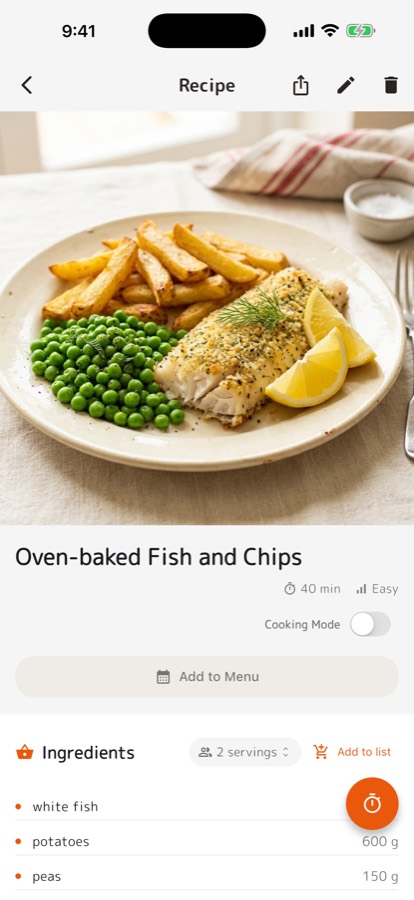
- Pick the number of people and the amounts follow
These are real, unedited screens from the app.
Answer “what's for dinner?” the day before.
With your saves in one place, planning is picking. Once the week is decided, the shopping takes care of itself.
Everything in it is something you wanted to cook, so the plan is full of dinners you are looking forward to.
- No calorie or nutrition counting. Several recipe apps have it. We do not.
- iPhone and iPad only. No Android or web version yet.
- A video with no written recipe stays empty. If the caption does not list ingredients, we do not guess them.
From App Store reviews, translated and shortened to the gist so no reviewer is identifiable.
I used to like recipes on TikTok and then go hunting for them later. Now Instagram and recipe sites all land in the same place.
It does not just keep the video. The ingredients and the steps stay as text, and that is what actually helps.
Recipes I had clipped across a dozen different sites are finally in one place.
Completely free
No subscription. No ads.
- Saved recipes
- Unlimited
- Imports from a link
- Unlimited
- Meal planning and auto-fill
- Unlimited
- Shopping list and widget
- Included
- Photo to recipe
- 100 a month
Is it free?
Yes. Repimame is completely free, with no ads and no subscription. Photo-to-recipe scans are limited to 100 a month.
Do I need an account?
No. You can save recipes as a guest and they stay on your phone. Make an account later and everything you saved comes with you.
Where can I import recipes from?
TikTok, Instagram, Threads, YouTube (from the video description) and recipe websites. You can also turn a photo of a cookbook page or a handwritten card into a recipe, or type one yourself.
Does Cooking Mode record me?
No. The camera frames are processed on the phone and discarded. Nothing is stored and nothing is uploaded.
Is there an Android version?
Not yet. Repimame is for iPhone and iPad.
Anything else: support.
A week of dinners from your TikTok saves
Twenty minutes on Sunday turns saved videos into five dinners and one shopping trip.
Read → GuideHow to save a recipe from an Instagram Reel
Four ways, starting with the free ones, and where the recipe hides when the caption is empty.
Read → GuideHow to scale a recipe for any number of people
One number, a worked example, and what not to scale in a straight line.
Read → GuideMealime is shutting down
How to keep the recipes you liked before 21 October, and where to go next.
Read →- The best apps for saving recipes from TikTok and Instagram
- How to save a recipe from a TikTok video
- How to save a recipe from an Instagram Reel
- Turning a YouTube cooking video into a written recipe
- A week of dinners from your TikTok saves
- Scaling a recipe for any number of people
- How to cook hands-free from your phone
- Turning a photo into a recipe
- ReciMe alternatives, and when to stay
- Paprika alternatives, and how to move your recipes
- Mealime is shutting down: keeping your recipes
Start with one recipe.
Share the next cooking video you save to Repimame. That is your recipe book started.
Download on theApp Store